01
Workday looks
Polished, still yourself
From the everyday office to more formal work settings, describe the dress code and find a balance of ease, comfort, and personal preference.
Work · Clean lines · Everyday wearYOUR STYLE, YOUR EVERYDAY.
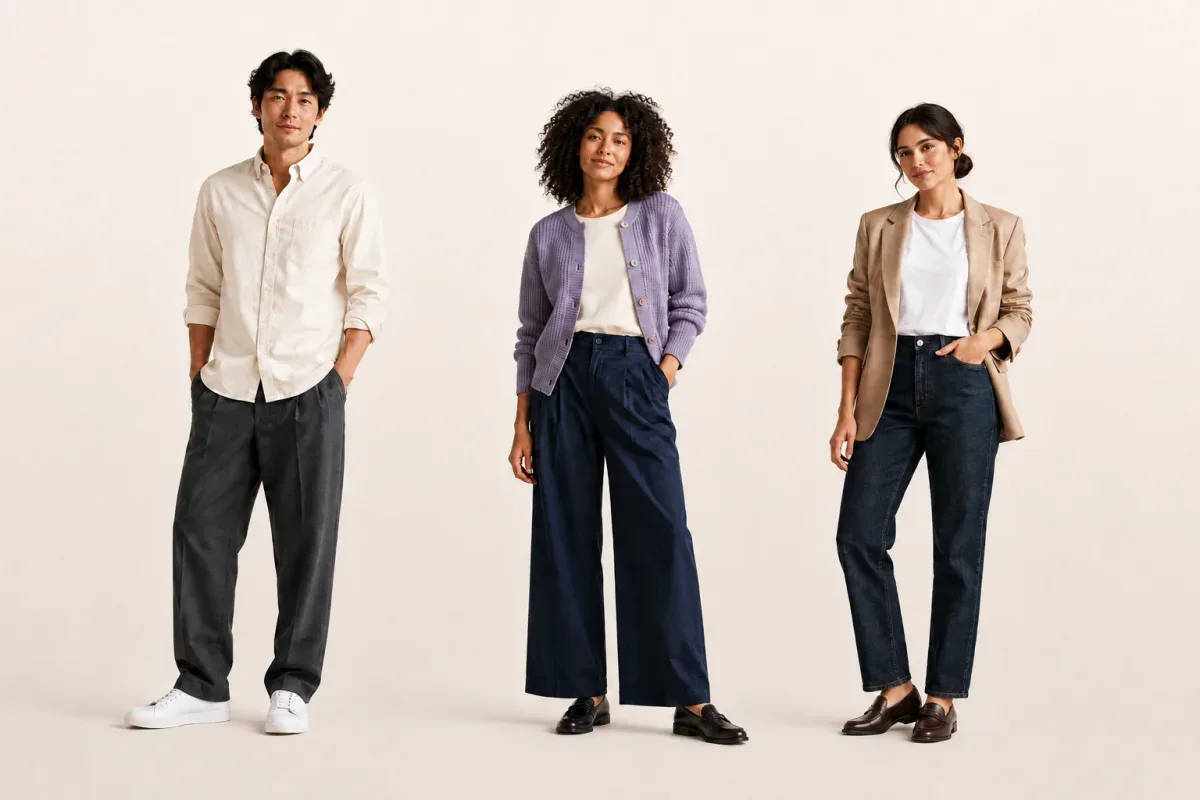
Upload front and side photos, tell us what you’re dressing for, and compare three looks made for you. See each front-view image and the reason behind the styling, then choose what feels like you.
Sign in with Google · Have front and side photos ready
Start with youPhotos, height, and preferences
Compare three directionsLooks, images, and styling reasons
Keep what you loveSave looks; paid plans can download successful images
HOW IT WORKS
Sign in with Google, upload clear front and side photos, and add your height. Reuse your saved profile whenever you like.
Choose a context, one to three style goals, and the climate. Add any special requests so the looks fit your real needs.
Review different looks, front-view images, and styling reasons. Save favorites; Lite and Pro can download successful images.
DRESS FOR YOUR DAY
Personal styling is more than choosing a look: it considers where you are going, what you are doing, and how you want to feel.
From the everyday office to more formal work settings, describe the dress code and find a balance of ease, comfort, and personal preference.
Work · Clean lines · Everyday wearShare the setting and feeling you want to express, then explore color, layers, and combinations that fit this date.
Date · Color · Self-expressionFor walks, catch-ups, or relaxed days out, compare casual combinations shaped by the climate and your plans.
Casual · Climate · ComfortA FEW THINGS TO KNOW
LookStylist starts with your front and side photos and height, then combines your context, style goals, climate, and special requests to plan three looks with a front-view image and styling reasons for each.
Upload clear front and side photos of the same person and add their height. JPEG, PNG, and WebP are supported, up to 5 MB each. Show as much of the body as possible and avoid obstruction or distortion.
Yes. LookStylist supports styling recommendations for men and women through the same profile and generation flow. Looks are based on photos, preferences, and context.
LookStylist currently provides complete look directions and generated images. It does not support product-specific virtual try-on or manage an existing wardrobe; the wardrobe saves generated looks and favorites.
Images help you compare styling directions. AI images may differ in people or garment details and do not replace a real fitting or represent exact sizing or fabric drape.
A successful plan gives you three looks. Images are generated separately and usually take 3–5 minutes. Some images may fail; available credits are shown in your account.
You can view and save looks in the app. Lite and Pro can download successful images; Free does not include download. Online payment is coming soon.
LESS GUESSING. MORE YOU.
Let LookStylist help you find the next look you will love.
Start styling